Solarday via Siri AI
Solarday works with Siri AI in iOS 27, and with Siri on every iPhone. Here’s what you can say and what to expect.
What you can say
Say “in Solarday” or “to Solarday” so Siri knows which app you mean.
Add a Do, step by step
Every iPhone
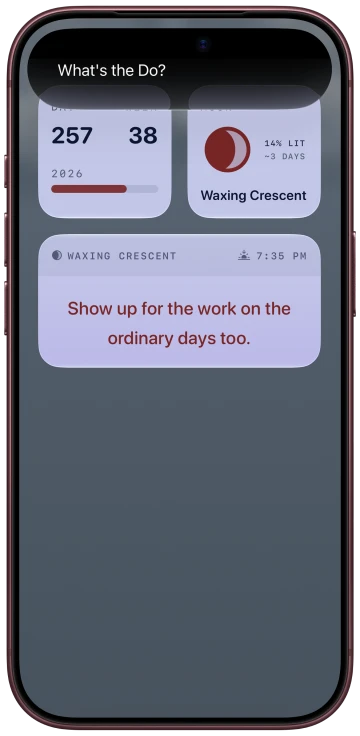
- “Add a Do to Solarday”
Siri asks what the Do is, then how long it’ll take. This is the only way to set a duration by voice.
Add a Do in one sentence
iPhones with Apple Intelligence, iOS 27
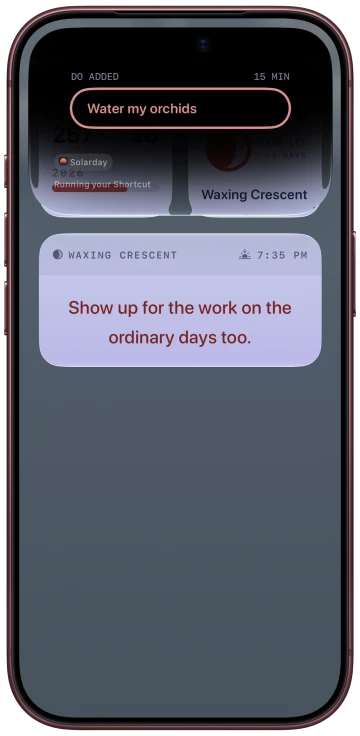
- “Add a task to Solarday called water the plants”
- “Add a reminder to Solarday called charge the camera”
It’s saved right away, and Siri shows you a card.
Complete a Do
Apple Intelligence, iOS 27
- “Complete water the plants in Solarday”
- “Mark laundry as done in Solarday”
Say “not done” to bring one back. If two Dos match, Siri asks which one you mean.
Rename a Do
Apple Intelligence, iOS 27
- “Rename laundry to fold the laundry in Solarday”
The Do keeps its duration.
Future, Intention and Reflection
Every iPhone
- “Save to Future in Solarday”
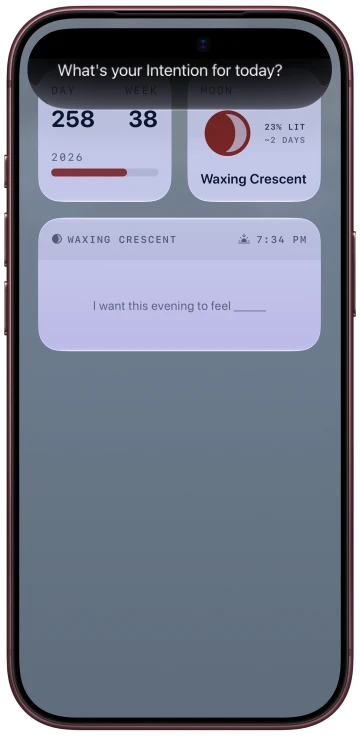
- “Set an Intention in Solarday”
- “Reflect in Solarday”
“Send to Future” and “Add to Future” work too.
Spotlight
iOS 27
Swipe down on the Home Screen and search for a Do by name. Tap it to open Solarday.
Good to know
- The word you use picks the flow. “Task” or “reminder” saves in one sentence. “Do” walks you through it and asks for a duration.
- If the duration matters, say “Add a Do to Solarday”. In a one-sentence add, “for 20 minutes” might end up in the Do’s name or get dropped.
- If you say a date, the Do still saves. The date doesn’t.
- Completing a Do by voice also stops its Focus timer if one is running.
- Said the same add twice? If it was within a few seconds, you get one Do, not two.
- If you already have an Intention, Siri asks before replacing it. It won’t read the old one out.
- Reflect adds to today’s Reflection. It never replaces what’s there.
Privacy
- If your iPhone is locked, Siri asks you to unlock it first. That’s on purpose. It’s the encryption showing.
- Siri never reads a Reflection back. It can add to one, and that’s all.
FAQ
Siri said it couldn’t do it.
Check Solarday first, because sometimes the save went through anyway. If it didn’t, asking again a little later usually works. In iOS 27, Siri sometimes turns down a request it can handle.
Siri said it failed, but the Do is there.
That happens sometimes in iOS 27. The save worked and the reply got it wrong. If you repeat the same add within a few seconds, you won’t get a second copy.
Siri asked “Do you want to move this to your Dos list?”
That’s Siri’s wording, not ours. Say yes and it works as normal.
The Siri window came up blank.
That’s a display quirk in iOS 27. Siri still asked the question out loud, so you can answer and carry on.
Why doesn’t “Add a Do called…” save in one sentence?
“Add a Do” always asks you step by step, because that’s how you set a duration by voice. For one sentence, say “task” or “reminder”.
Which iPhones can add in one sentence?
iPhones with Apple Intelligence, on iOS 27. On other iPhones you can still add a Do step by step and use Future, Intentions and Reflections by voice.